
Make a Tenant’s First Week in the Building Easier
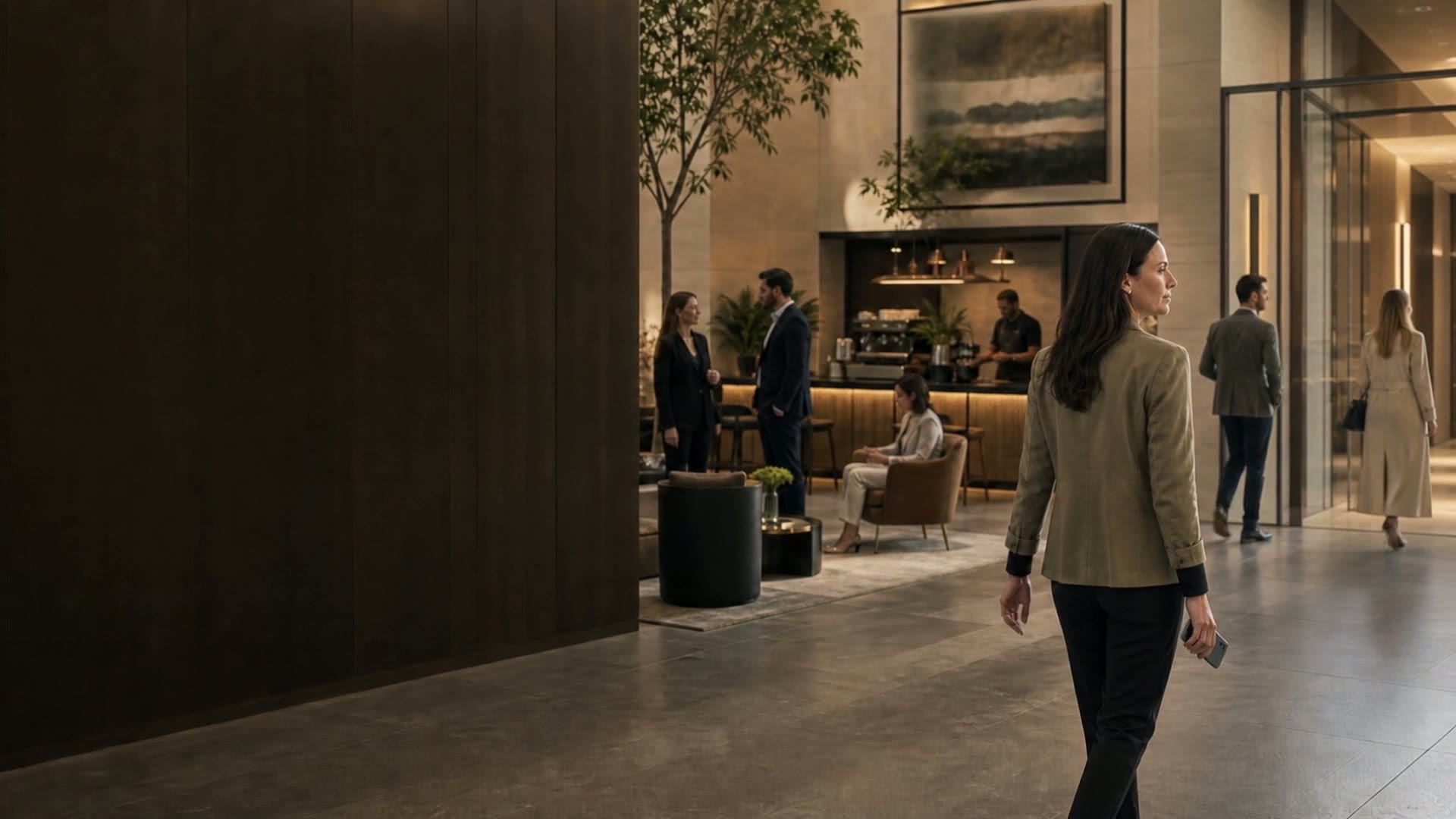
The office administrator has the welcome pack. The rest of the team arrives on Monday with smaller questions. Which entrance should I use? How do I report a problem? Can I book that meeting room?
A complete tenant manual can still leave those questions unanswered at the moment they matter. Give new occupants a short starting point built around their first few days, with the full reference material available when they need it.
Separate getting started from knowing everything
The starting guide should cover arrival, access, contacting the property team, reporting a routine issue, and using any amenities available to the tenant. Put policies, detailed procedures, and other reference documents behind clearly named links or in an accompanying pack.
Keep the property’s emergency instructions easy to find and distinct from routine service requests. Explain the established contact route without implying that a general app message is monitored for emergencies.
Confirm who will receive the information
Ask the tenant contact how new staff join the building’s communication and access arrangements. Do not assume that a welcome email sent to one person will reach everyone who needs it.
Agree on who maintains the tenant’s contact list and who handles changes when people join or leave. Where access needs approval, explain who requests it and who authorizes it. This prevents a new employee from being sent between reception, their office administrator, and the property team.
Give people five things they can do
Use this as a starting checklist, adapted to the building:
- Arrive: Find the correct entrance and understand any arrangements outside normal staffed hours.
- Get access: Complete the approved setup and confirm whom to contact if entry does not work.
- Find the team: Save the routine property contact and locate the separate emergency instructions.
- Request help: Learn where to describe a routine issue, add its location, and check for an update.
- Use the building: Find an available amenity, read its rules, and learn how to cancel a reservation.
Each item should end with a working link, a clear location, or a named contact. “Download the app” is only a step in the process. A person still needs to know what to do once they open it.
Walk through the guide with a new user
Ask someone unfamiliar with the property to follow the instructions. Let them find the entrance, locate the contact details, and navigate to a service request without coaching them through every screen.
Use a demonstration account for practice where available. Avoid creating a real maintenance request simply to test the instructions. For access and bookings, arrange any test with the property team so you do not take a room out of circulation or change someone’s permissions unexpectedly.
Watch where the person hesitates. A screenshot may use a different room name from the sign downstairs. A link may open a login page without explaining how to get an account. Fix the instruction at that point instead of adding another paragraph to the introduction.
Ask a useful question at the end of the week
Instead of “Is everything okay?”, ask: “What did you have to ask someone that you expected the welcome guide to explain?” The answer tells you where the guide failed to do its job.
Keep a short list of recurring questions and give one person responsibility for updating the guide. Check links and contact details whenever staffing or building arrangements change. In Caret, service requests, building communication, and amenities can become familiar parts of a tenant’s day. A good introduction helps people reach those tasks without needing the office administrator to explain them every time.